
Your story lives on your machine.
Roleplay Manager is a local-first notebook for long chats with AI characters: versioned characters, real memory, branches — and your data in a folder you own.
Why it feels different.
Not another chat wrapper. A notebook that remembers, on a machine you control.
Your story never leaves your folder.
Characters, chats, memories and images live in a SQLite database inside data/. Move the folder, back it up, or take it with you.
Long stories don't lose the thread.
Versioned characters, dynamic memory, automatic summaries and branches keep weeks of writing coherent.
You choose the intelligence.
Run Ollama locally or connect any OpenAI-compatible endpoint with your own key. The app never locks you in.
See the notebook.
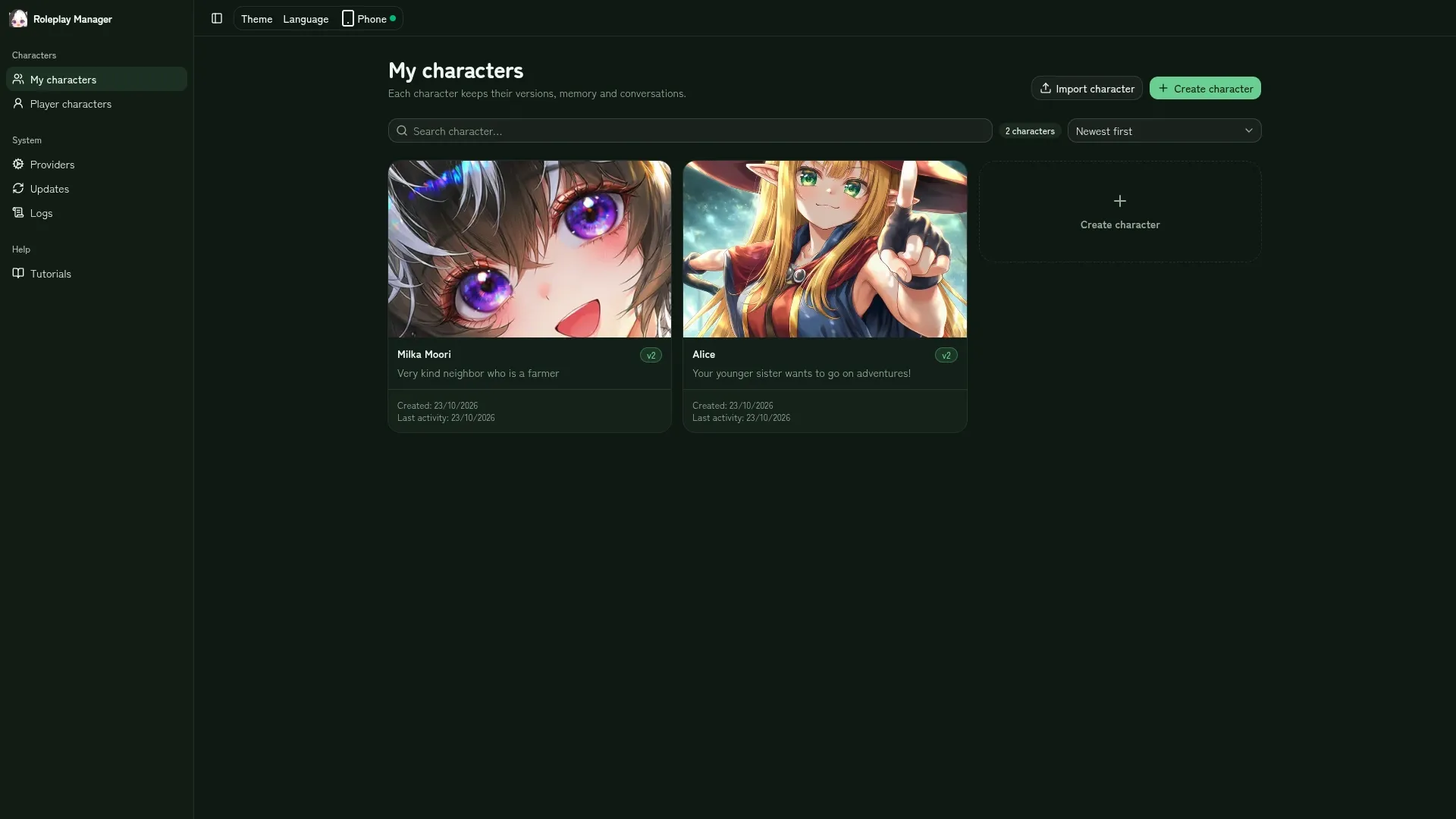
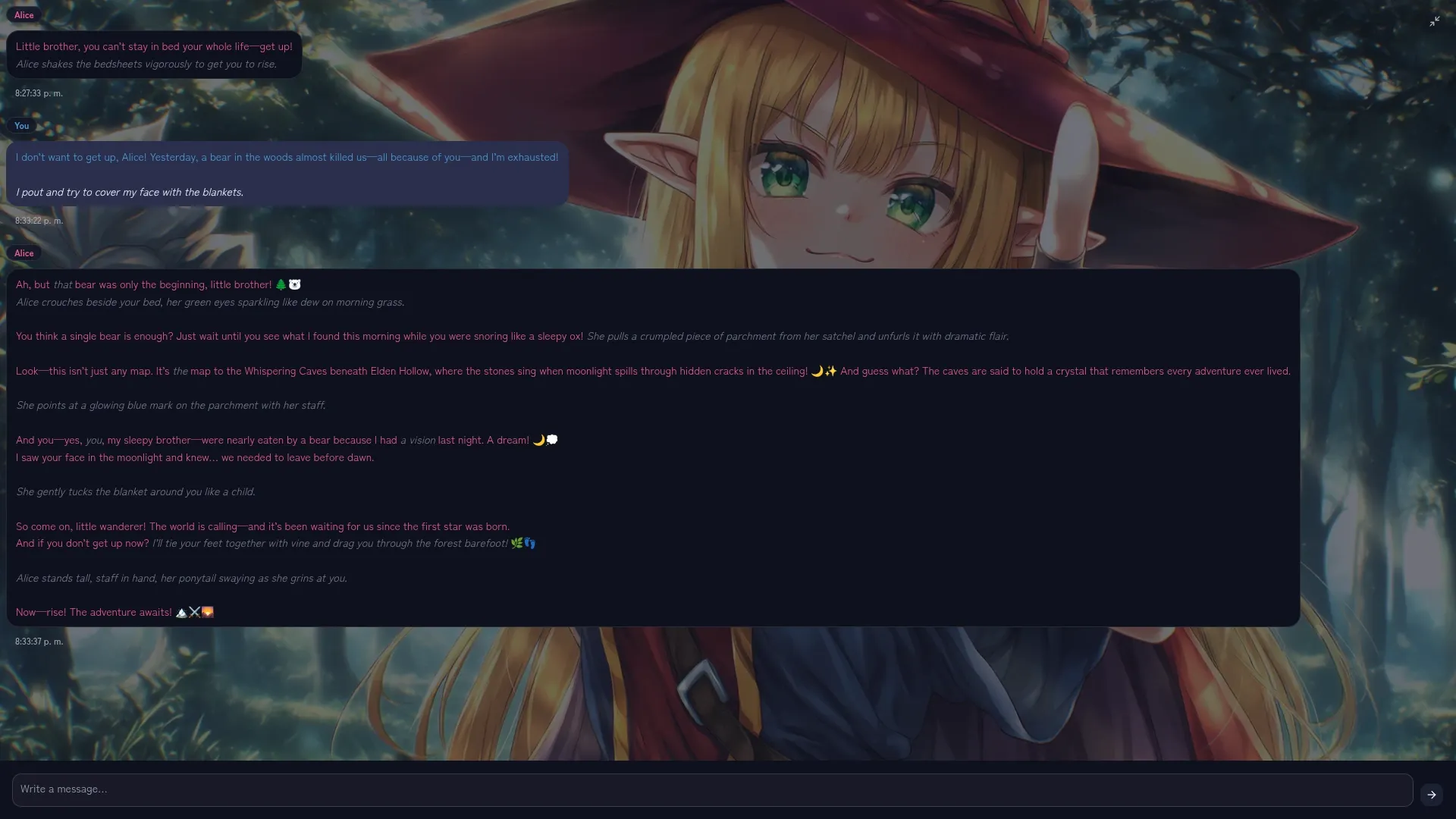
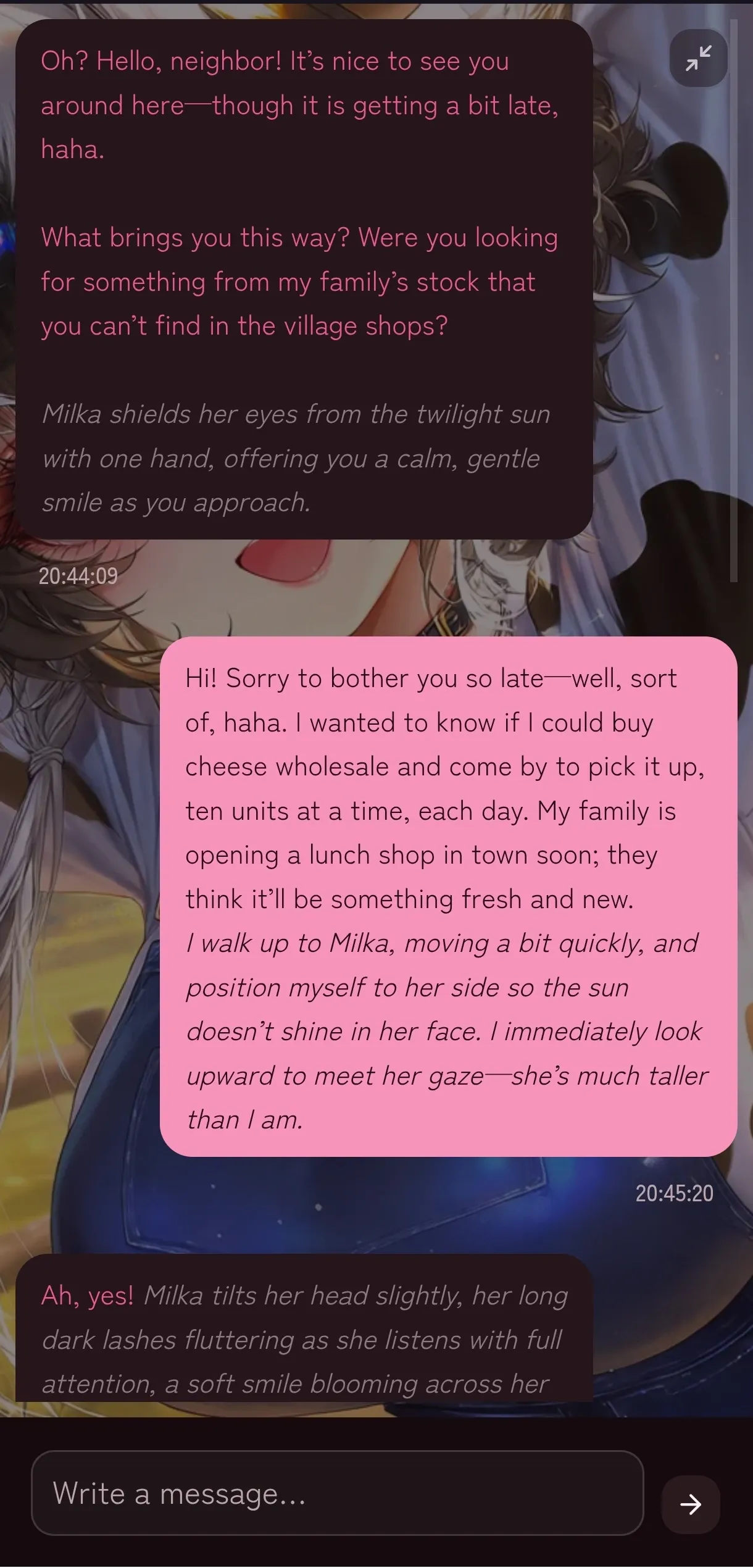
Real screens from the app. No mockups, no invented testimonials.
From download to first scene.
No Node.js, no installer, no account.
Download and unzip
Pick the package for your system. Keep it in a folder you'll remember, like Documents.
Open the launcher
Run start.cmd on Windows or ./start.sh on Linux and macOS. Your browser opens at localhost:3001.
Connect your AI
Add Ollama or an OpenAI-compatible endpoint, pick a model, and create your first character.
First launch may show a system warning because the app is not signed. The install guide walks you through it.
A notebook that remembers.
Characters evolve, scenes branch, and the story keeps its context.
Versioned characters
Every edit creates a new version. Import and export characters as portable JSON.
Branches and rewinds
Go back to any message, regenerate a reply, or open a parallel line without losing the original.
Memory and summaries
Dynamic memory with decay and automatic summaries keep long chats inside the model's context.
Your reading style
Bubble, document or visual novel; five color worlds; light and dark.
Your data doesn't live in a cloud.
It lives in a folder you can open, copy and back up. Updates never touch it.
If you use a remote provider, only the prompt you send leaves your machine. If you use Ollama, inference stays local.
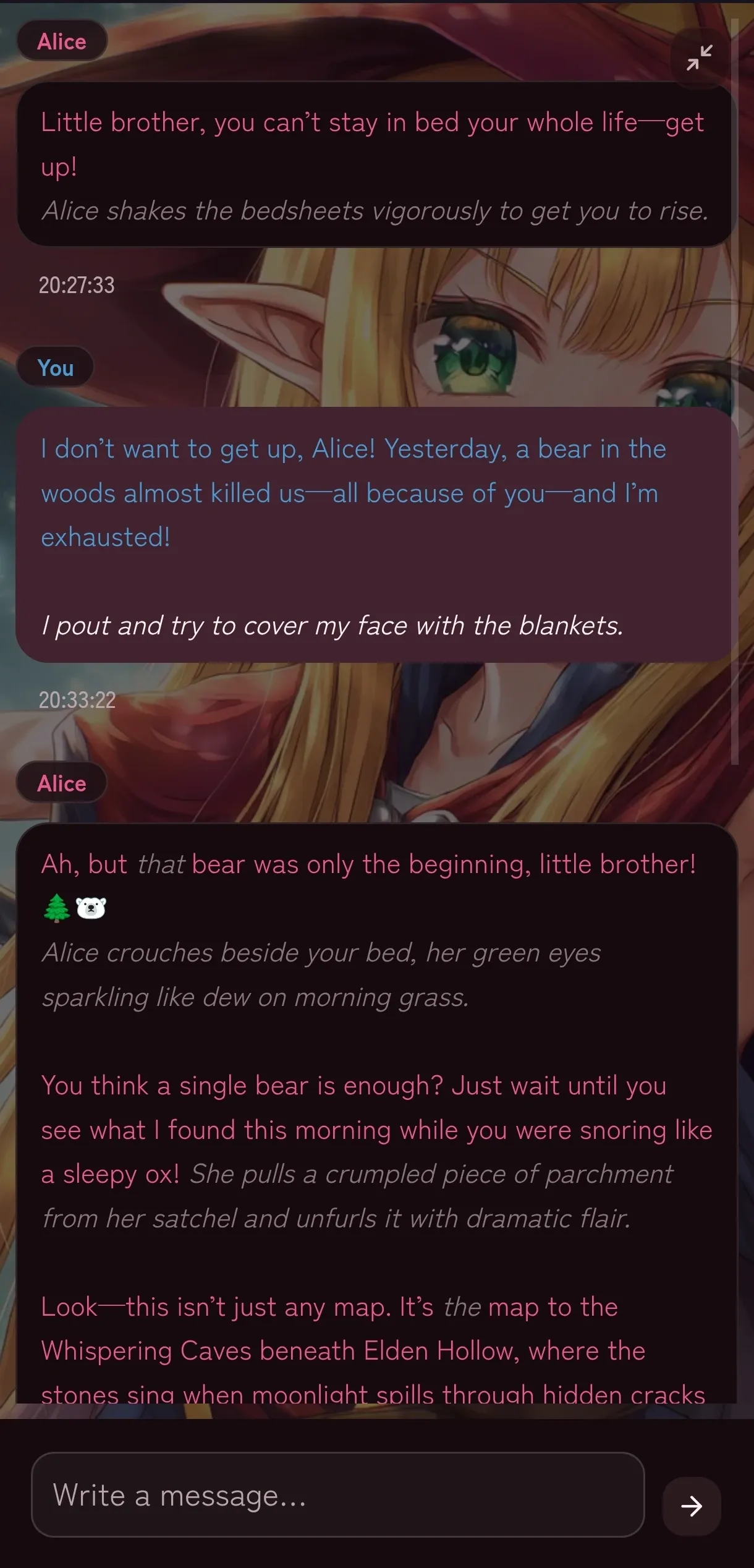
How data and updates workYour story fits in your pocket.
The app runs on your computer. Your phone opens it through a private link — no native app required.
- Tailscale: private access from anywhere, with nothing exposed to the internet.
- Home Wi-Fi: open it from the couch on the same network.
- Install it as a PWA with its own icon and window.
The manual, without fine print.
Installation, providers, memory, branches, backups and the phone. Searchable and written for humans.
The questions that stop people.
Short answers before you download.
Is it free?
Yes. Roleplay Manager is free and open source under AGPL-3.0. You only pay your AI provider if you use a paid endpoint.
Do I need Node.js?
No. The portable package includes its own Node runtime. You only need Node if you want to develop the project.
Do I need an API key?
Not if you run Ollama locally. For a remote provider, bring your own key.
Where are my characters and chats?
In data/ inside the app folder: a SQLite database and your images. Back up that folder or move the whole app anytime.
Will it run on my computer?
There are packages for Windows x64, Linux x64/arm64 and macOS Apple Silicon/Intel. A modern 64-bit system is enough; a GPU only matters if you run large models locally.
Is there a mobile app?
No native app. The app runs on your computer and your phone opens it through Tailscale or your home network. You can install it as a PWA.
Why does Windows or macOS warn me?
The binaries are not signed. The install guide explains the one-time steps for SmartScreen and Gatekeeper.
Open the notebook.
Your next story is one folder away.
Free and open source · Windows, Linux and macOS